
Nowadays people recognize that maintaining a landline phone service is completely unnecessary when you can combine voice-based communication with the speed and advanced state of the internet. However, there are certain factors that keep homeowners from switching to this 21st century solution: reliability and prices. These are the fields New York-based Axvoice is the strongest in. You don't even need to install a VoIP adapter; Axvoice allows you to use your old phone devices (and your old number for that matter), but once you become this company's client, you only have to pay the fraction of your current phone bill. There's a 15-day money back guarantee for those still uncertain about making the switch for good. Furthermore, you also get everything a decent residential phone system needs: call forwarding, blocking, incoming and outbound caller ID settings, call logs, voicemails, third-party integration and bandwidth lowering and the list goes on. And no matter whether you choose the residential, business or international plans (with the latter allowing you to call up to 60+ countries), you get all features with minor limitations.






| Fax support | |
|---|---|
| Analog phone support | |
| Softphone | |
| Conference calling |
Even though Axvoice’s call handling features are nothing special, we won’t say you don’t get what you want from a VoIP service provider either. Obviously you can call others within the Axvoice network for free and you have the usual features like call forwarding accompanied by the well-known follow me find me feature. The option to direct calls to another number should you experience power outage is pretty standard, though a more interesting extra is a call filter with which you can determine on which number you want to take certain calls. If you don’t want to take calls, you have several options: you can redirect calls to the voicemail with the do not disturb option, use the above mentioned call filter and block international or even anonymous numbers. However, you won’t have too much problems with anonymous numbers as you can always see the ID of the caller (even when you are already talking to someone), plus you can determine your own caller ID. Speaking of simultaneous calls: you have the option to talk to two different people at the same time or put the second caller on hold with the 2-way conference calling feature. And if there is a case of emergency, Axvoice supports an enhanced 911 service, albeit for a $1.50 fee to be paid during the first month of service only.

Unfortunately, this is the end of call handling features. With such crucial features like faxing, queuing, call return, answering rules and caller analytics completely missing, it’s a shame that Axvoice cannot provide more to business owners. Residential owners and their families won’t miss these features, though business owners should look for these solutions in another business VoIP service.
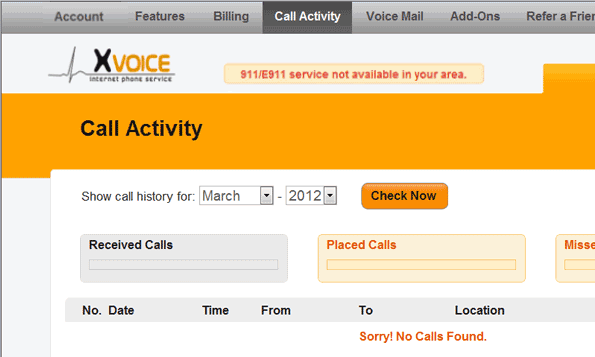
There is nothing much to say about Axvoice’s phone system management either. Perhaps the most advanced, and certainly most useful feature is that you can lower your bandwidth to your liking should your internet connection be inferior to the one required by Axvoice. However, this is not the only thing you can set up in the completely neutral online account: this is the place where you can turn on the simultaneous ring option and change the ringtone of the number you are called at (available for multiple numbers only), and get the information you need to set it up. Axvoice creates real time call logs which you can see any time you want via the account, you can check, delete or move your voicemails from any device you want (but mostly from a desktop) and you have the option to receive push notifications of said voicemails. And as a little extra, you can select the 7, 10 or 11 digit calling method (whichever you prefer) and set up the on hold music your callers will hear while they are waiting on the line.
However, like we said before, there is no faxing option (neither out- nor inbound), you can say goodbye to click-to-call buttons, and you are unable to record calls for business or any purposes. Although softphone is supported by Axvoice, you have to connect the softphone of a third-party if you want this feature.
We already enlisted all of the features of Axvoice, except for the one that is more related to hardware rather than software. Like many VoIP service providers, Axvoice doesn’t force users to purchase new devices to use the company’s services – unless you don’t possess a VoIP phone adapter. If you have an adapter, or an IP phone for that matter, all you have to do is get it unlocked by your current service provider or, in case you own said device, unlock it as an admin. However, before opening a bottle of champagne for getting rid of the installation fee, contact Axvoice’s support to make sure that your phone adapter is compatible with the company’s services. Or, if you prefer a more practical approach, you can go to the support page of Axvoice and see the list of configuration samples with those routers/adapters that are supported by the company.
| Setup fee | |
|---|---|
| Cancellation fee | $39.99 |
| Toll-free number | $3.99/mo + $0.0499/min |
| Local, 800 transfer fee | $15 |
Selecting phone numbers in Axvoice is very easy – because you don’t have too many choices. By default the company lets you choose a completely new, local number (even for business plans) or you can port your existing phone number for $15.00. But no matter which option you pick, you still have to pay a $19.99 setup fee for the device you receive from the company. Another thing to keep in mind should you want to terminate your contract with Axvoice is that the cancellation fee after the first 15 days (but within the first year of service) is $39.99.

Adding an extra virtual number is $3.99 per month, while the inclusion of a toll-free number is $3.99 per month plus $0.0499 per minute with U.S. coverage only or $5.99 per month plus $0.0499 per minute for U.S. and Canada coverage.
| Web app | |
| Mobile optimized | |
| macOS | |
| Linux |
Mobile support is one of the biggest letdowns of Axvoice. Being unable to properly manage your account from a mobile phone due to the inability of the site to adapt to mobile screens is insignificant. But the lack of a proper own native app for residential and business users is a big miss. Rather than providing a consistent mobile experience through its own set of apps, Axvoice uses third party apps to run its services on mobile devices: Acrobits and Bria.
Acrobits is a Czech company turns your iPhone or Android mobile phone into a softphone within a single minute. It features everything expected from a modern SIP client plus push notifications for incoming calls and encrypted voice/video calls. However, video call feature is currently unavailable for Android devices. The other application, Bria, which is available on almost all platforms, lets you make voice and video calls, check the availability of your contacts, send messages and so on.


You would think that a small company like Axvoice is incapable of such advanced features as integrating with other, third-party software. You will be surprised to see that Axvoice is indeed compatible with a couple of other services. However, like in the case of many smaller companies, your options are quite limited (to 4 to be more precise). According to Axvoice you can integrate with the Acrobits and Bria softphone apps (which we already talked about), the Asterisk open-source software, and the X-Lite softphone.
| Included lines | 1 |
|---|---|
| Included minutes | $0.015/min |
| Overage minutes | |
| Additional lines | n/a |
All three pricing plans of Axvoice, namely Residential, Business and International, come with all features and a 15-day money back guarantee (if you don’t exceed 200 minutes within the first 15 days and you send the VoIP adapter back).
Residential Pay As You Go is only $4.99 per month, but each call/forwarding costs $0.015 per minute. Residential US/Canada 200 includes 200 minutes for free and it is $5.99 per month (annual plan) and $9.99 per month (paid monthly). The best plan is the unlimited Home Phone Service USA/Canada that can be paid in 3 ways: in a discounted annual deal ($8.25 per month), in the regular annual plan ($10.99 per month) or in the monthly plan ($14.99 per month).
Business plans include Home Office (SOHO) plan, which is basically Residential US/Canada (for $14.99 per month), while Small Business includes 1,500 free minutes for either $29.99 per month (paid annually) or for $39.99 per month. Residential International allows you to call the U.S., Canada and 45 countries for $16.58 per month (discounted price), $19.99 per month (annual plan) or $24.99 per month (monthly plan), while Residential International Plus contains 60 countries for $29.99 per month on a monthly basis.
| Visa | |
| Mastercard | |
| American Express | |
| Discover |
| 24/7 | |
| Live chat | |
| Phone |
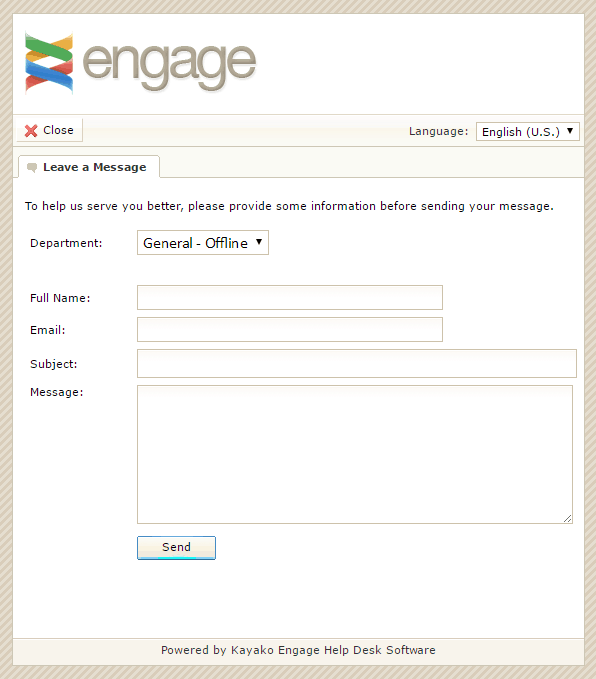
Axvoice’s customer support is unfortunately not very outstanding. The first problem is that the company doesn’t provide assistance over the phone. The second, bigger problem is no matter when we tried to contact the assistance using the live chat option, it was always offline. And forget about the blog, the forums or the company’s social media pages: they have been dead for years. Thus your only, guaranteed way of getting an answer from the staff is by submitting a ticket or by sending an email to the right department. Keep in mind, however, that the email service is not 24/7, although it is available every day of the week.
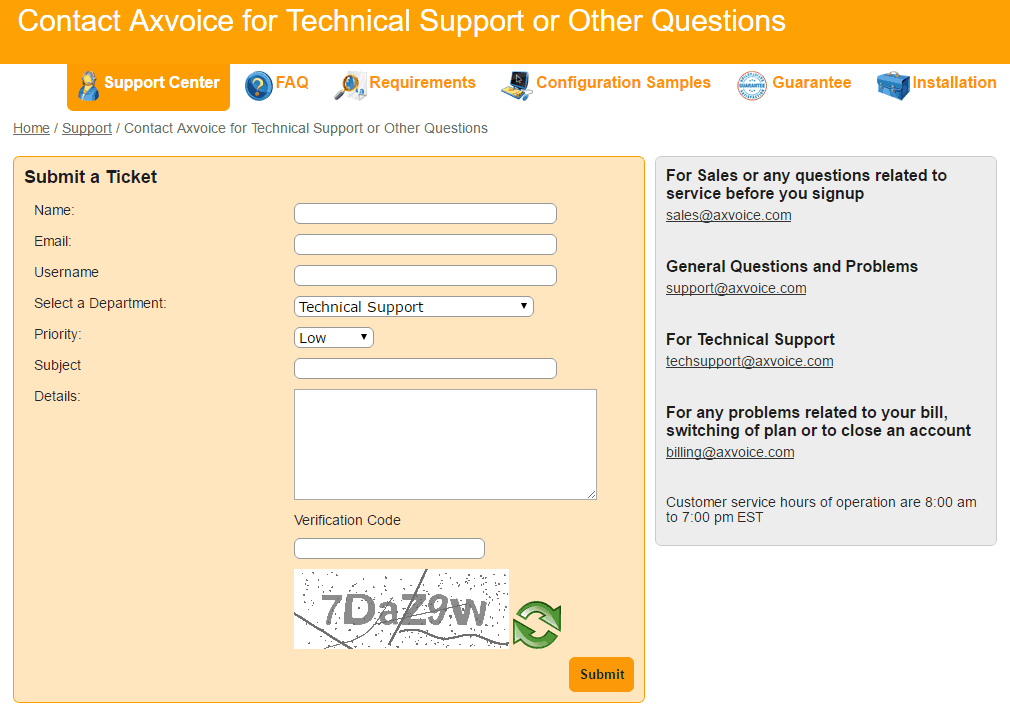
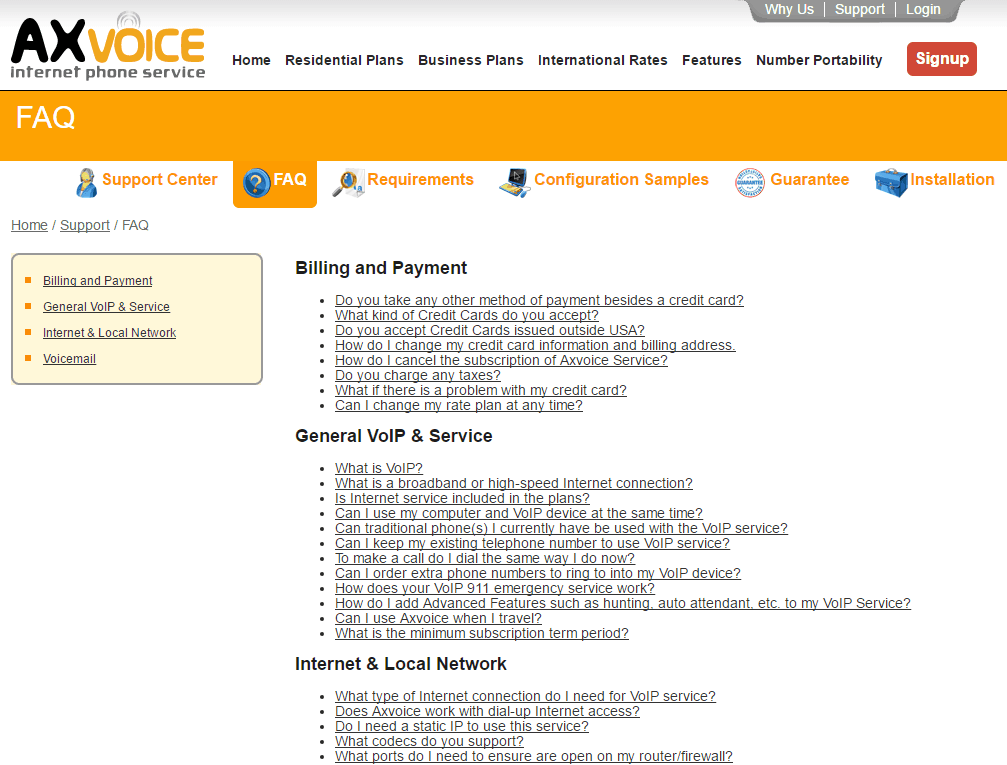
The complementary help options are a bit better. You can read a quite detailed FAQ, while the money back guarantee, the technical requirements and the steps of installation are well explained. Furthermore, you get configuration samples should you bring your own device into the equation or you want to use Axvoice from your mobile phone.
Honestly we couldn’t recommend Axvoice wholeheartedly, because the company’s services are eons from enough for any kind of business or home use. It lacks many crucial features like a built-in softphone, a proper mobile app/mobile-friendly edition, voicemail transcription, answering rules and faxing. Furthermore, you can only pick toll-free numbers for extra fees, the cancellation fee is too high and the 15-day money back guarantee has very strict conditions. Granted, this VoIP service provider has features like call forwarding, blocking, caller ID screening (both ways), simultaneous ringing etc. with some unique twists like conference calling, call filtering, the option to change the bandwidth, and the surprisingly good integration options. But the true reason why this company might be suitable for residential purposes is its brutally good pricing policy with virtually insignificant overage minutes.
So in conclusion: if you want a decent VoIP service for your home, Axvoice might be worth considering.

The Best Reviews team researches and tests all products first-hand. We've been reviewing products and services since 2012 and are proud to only publish human-created content.
July 2025

July 2025
June 2025

October 2022
October 2022
October 2022
April 2022
June 2021
May 2021
May 2021
April 2021
January 2021
January 2021
December 2020
December 2020
July 2020
July 2020
May 2020
April 2020
April 2020
March 2020
March 2020
November 2019
Share your thoughts, ask questions, and connect with other users. Your feedback helps our community make better decisions.
©2012-2026 Best Reviews, a clovio brand –
All rights
reserved