Imagen is a post-production AI photo editor built for photographers who need to crank through big shoots without turning every wedding, portrait session, or corporate event into an all-night editing marathon.
It plugs into a Lightroom-based workflow, learns your editing signature style through a personal AI profile, and then applies that taste consistently across full shoots, with controls to review, preview, and refine the results as your style changes.
In addition to apps for Windows and macOS, Imagen has an iOS mobile app. Plus, it offers a free version and a flexible credit-based pricing structure starting at $7 per month with Pay-as-you-go.
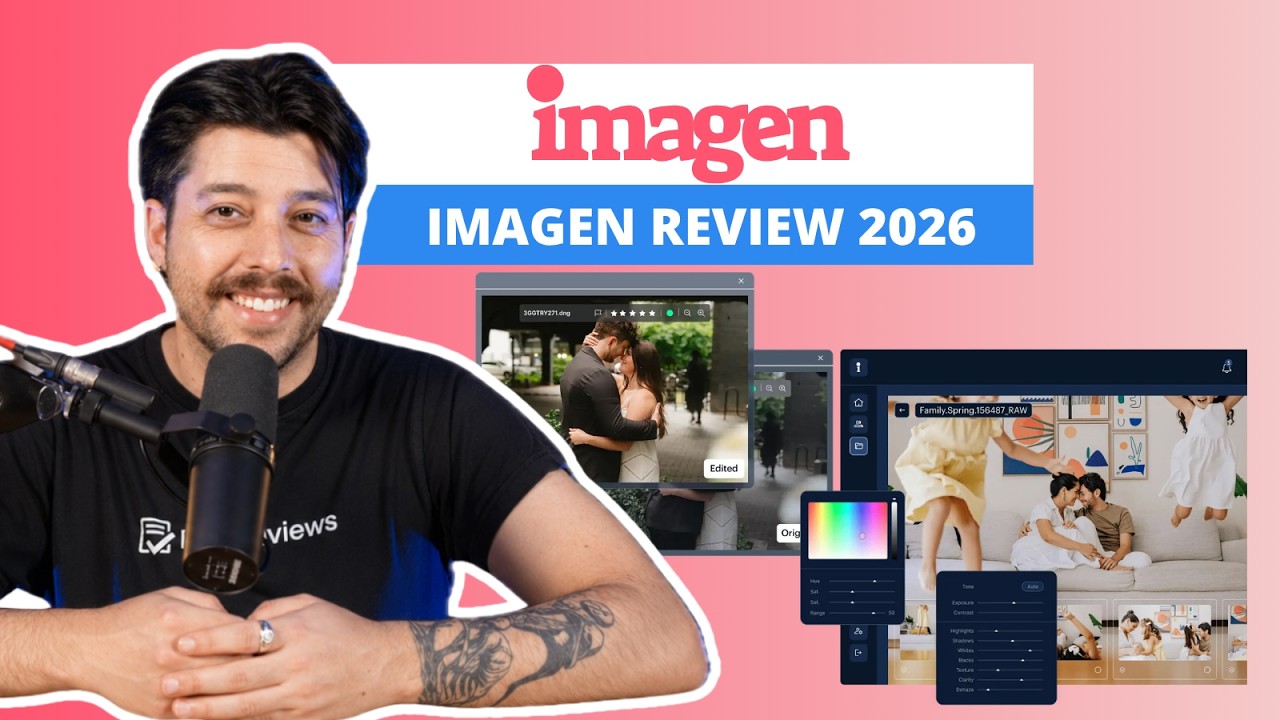
Imagen is a cloud-based AI photo editor layer that sits inside an Adobe-centered workflow.
It handles the repetitive parts of photo editing so you don’t have to repeat the same fixes photo by photo.
It handles the foundational edits you’d normally do, like straightening, cropping, masking, portrait touch-ups, and a long list of cleanup moves.
Imagen starts to feel like a powerful weapon when you witness its consistency across an entire job. Instead of relying on static presets, Imagen can learn your style and apply it across a full gallery, and keep learning as you correct it.
It also supports culling, so the time savings start before you even touch the Develop module.

Compatibility matters here because Imagen plays best with Adobe Lightroom Classic. While it can technically work with cloud-based Lightroom, the full experience is clearly built around the Classic catalog workflow.
It also supports Adobe tools such as Camera Raw, Bridge, and Photoshop, primarily via XMP sidecar files.
While Imagen supports JPG, TIFF, PSD, and HEIC files, it’s primarily designed for RAW workflows, including ARW, CR3, NEF, and DNG.
It’s important to mention that since it’s a cloud-based platform, Imagen requires a stable internet connection to work properly. Unlike local AI tools that use your computer’s hardware, Imagen sends your edits to high-performance remote servers for processing.
In turn, we don’t recommend Imagen for photographers who often upload projects or download finished edits while traveling or in locations with poor connectivity.
| Feature | What it replaces |
|---|---|
| Personal AI Profile | Manual basic editing |
| Culling Studio | Hours of sorting photos |
| Subject Masking | Local brush work |
| Upload Final Edits | Static presets |
| Lite Personal Profile | Preset-only editing |
| AI Crop and Straighten | Manual framing fixes |
| Social Spotlight | Posting and scheduling for Instagram |
| Cloud Backup | Manual hard drive storage backups |
The Personal AI Profile is Imagen's biggest highlight, and it’s what separates this AI photo editor from preset-style photo editors. Instead of applying the same look to every photo, the Personal AI Profile is trained on your past edits and tries to recreate the decisions you’d make shot to shot.
That means it’s looking at patterns across lighting and scenes, not just applying a one-size-fits-all recipe.
To train it, you upload a large batch of previously edited photos so Imagen can learn how you handle things like exposure shifts, mixed lighting, and skin tones across an entire event. Imagen requires at least 2,000 photos to start training its AI.
For the highest accuracy, Imagen officially recommends 3,000 to 5,000 photos.


Before the editing process, you can choose what AI tools to use, including:
Once it starts editing new work in that direction, you can tweak the results in Lightroom and use Upload Final Edits to feed those corrections back into the profile, which helps it get closer to your taste over time instead of staying stuck on day one.
If your style shifts over time, you’re not stuck rebuilding from scratch. As you keep refining photos, the profile drifts with you.


Imagen's lite profiles are the best way to use the software if you’re not ready to train a full profile yet.
You start with your Lightroom preset or one of Imagen's presets and complete a short style survey. Then, the AI processes your input and calculates a couple of key variables, mainly exposure and white balance, to create your profile.
It’s a more constrained approach, but it still feels more personalized than a standard preset paste.
It’s quick to set up, and the option that makes sense when you want to try the workflow without committing a full library. Since we didn’t have more than 2,000 edited photos, this was the feature we tested most intensively.
We were impressed by how easy it was to use and final results. The photos matched our Lightroom profile and survey answers flawlessly.


Not everyone has a dialed-in look, and not everyone wants to train one, so Imagen includes Talent Profiles. They are premade, purchasable editing styles from established photographers, meant to give you a good enough starting point fast.
They’re especially useful if you’re shooting high volume, your style is still evolving, or you’re trying to match a specific aesthetic for a project. Users can test them before buying.
Since culling is where most photographers lose hours, Imagen's culling feature is designed as an AI Productivity Tool to shrink the selection process by scoring bursts and helping you find the hero shot faster.
It can flag obvious misses, like closed eyes or slightly soft focus, then rank candidates so you’re picking from a shortlist instead of a wall of thumbnails.
If you only want the culling feature, you can use that part of the workflow without committing to the full Adobe edit loop. Culling supports RAW or JPEG files.


Social Spotlight turns a finished shoot into ready-to-publish Instagram posts by selecting the most social-friendly images and suggesting captions.
With one click, you can generate new post suggestions and captions. In theory, it’s a smart add-on, but cropping didn’t reliably nail what mattered, so you may still end up doing manual cleanup if you care about composition.


Imagen also has a mobile app for iOS, named Imagen Go. It’s built for fast sneak peeks when a client wants a few finished shots before you’re back at your desk.
You shoot a handful of highlights, upload them from your phone, let your Personal AI Profile or a Talent Profile process them in the cloud, and get polished JPEGs back quickly for texting or posting.
It’s worth noting that the mobile app is a highlights tool, not a full replacement for a wedding gallery.


Imagen is an Adobe-first product, primarily via its Lightroom Classic core integration. That’s where Imagen can read your catalog, apply edits, and push the changes back into your Lightroom workflow.
In addition, the support for Adobe Bridge and Photoshop is largely driven through Adobe Camera Raw and XMP sidecars.
For delivery, there’s a direct integration with Pic-Time so that you can publish your photos as a gallery without the usual export-and-upload shuffle.
| Lowest price | $7/mo |
| Free trial | |
| Money-back guarantee | |
| Free version |
Imagen's pricing is built around a pay-for-what-you-edit model with credits. These credits can be used for almost anything in the app.
Before subscribing, you can start for free with no credit card required. The plan includes free edits, offering an excellent way to see how well the platform can help in your editing process.
Then, if you want to subscribe, the main plan is Pay-as-you-go, which charges $0.05 per photo plus a small $0.01 per-use fee for optional advanced AI tools. It includes unlimited AI profiles, access to the full Talent AI Profile library, and cloud storage.
While the plan includes a $7 minimum monthly charge that converts to credits, which roll over for future use if you have remaining credits at the end of the month.
For higher-volume work, there are annual plans with the option to buy large blocks of credits up-front. It includes the same features, and the cheapest annual offer includes an 18,000-credit plan for $67.5 per month, with 10% off.
However, the best savings come with the 72K plan, for $240 per month, with a 20% discount.
For teams or very high-volume studios, there’s an Enterprise tier with custom pricing and extras like a dedicated customer success manager and API capabilities.
Beyond editing, Imagen charges separately for some add-ons. Culling is available as a separate subscription for $12 per month, and cloud storage is priced independently based on the storage tier you choose, starting at $3 for 500GB (includes free 100GB for three months on all paid plans).
If you want to test Imagen's culling capabilities, you can try it for free on up to two projects.
Payment methods include credit cards, U.S. bank transfer, PayPal, Apple Pay, and Google Pay.
Compared to the flat-rate unlimited plans of some competitors, Imagen's ends up being a premium investment, but the time savings and consistency can pay for themselves fast if you’re editing high volumes and billing your time.
| 24/7 | |
| Live chat | |
| Phone |
For self-service help, Imagen offers a robust library of resources, including a Facebook community, a blog, FAQs, getting-started content, troubleshooting guides, and a podcast. Plus, it offers a free tool to optimize Instagram for photographers.

If you run into issues during setup or while processing projects, Imagen's human support is quick and easy to reach.
After submitting the contact form on the company’s website, we received a reply in under 30 minutes, which is excellent for a workflow tool that photographers often rely on under tight delivery deadlines.
Our experience reflects the largely positive user feedback of Imagen on TrustPilot, with a rating of over 4.5.
For example, Milena says:
Imagen is active on social media channels, such as Instagram, YouTube, Facebook, and X.
Imagen is a powerful AI photo editor for high-volume photographers who want consistent, style-matched results across full shoots without spending hours in photo editing software.

On the plus side, its Personal AI Profile can learn your look, apply it consistently across big galleries, and keep improving as you upload final edits. At the same time, built-in culling can shave hours off the selection process before you even start editing.
On the downside, it’s a cloud-based workflow that requires a stable internet connection, and the pay-as-you-go pricing, plus add-ons like culling and storage, can make it feel like a premium investment if you don’t edit frequently enough to justify the ongoing cost.
If the workflow fits your volume, the free tier with edits is a low-risk way to try it, and the annual bundles can offer discounts of up to 20%.
Imagen AI is highly accurate in editing photos according to the user’s editing style. However, for the best results users should have a minimum of 2,000 edited photos to train the AI.
Imagen AI has subscription options that include a free tier, a pay-as-you-go plan starting at $7 per month, and annual plans with up to 20% discount.
The Best Reviews team researches and tests all products first-hand. We've been reviewing products and services since 2012 and are proud to only publish human-created content.

Share your thoughts, ask questions, and connect with other users. Your feedback helps our community make better decisions.
©2012-2026 Best Reviews, a clovio brand –
All rights
reserved